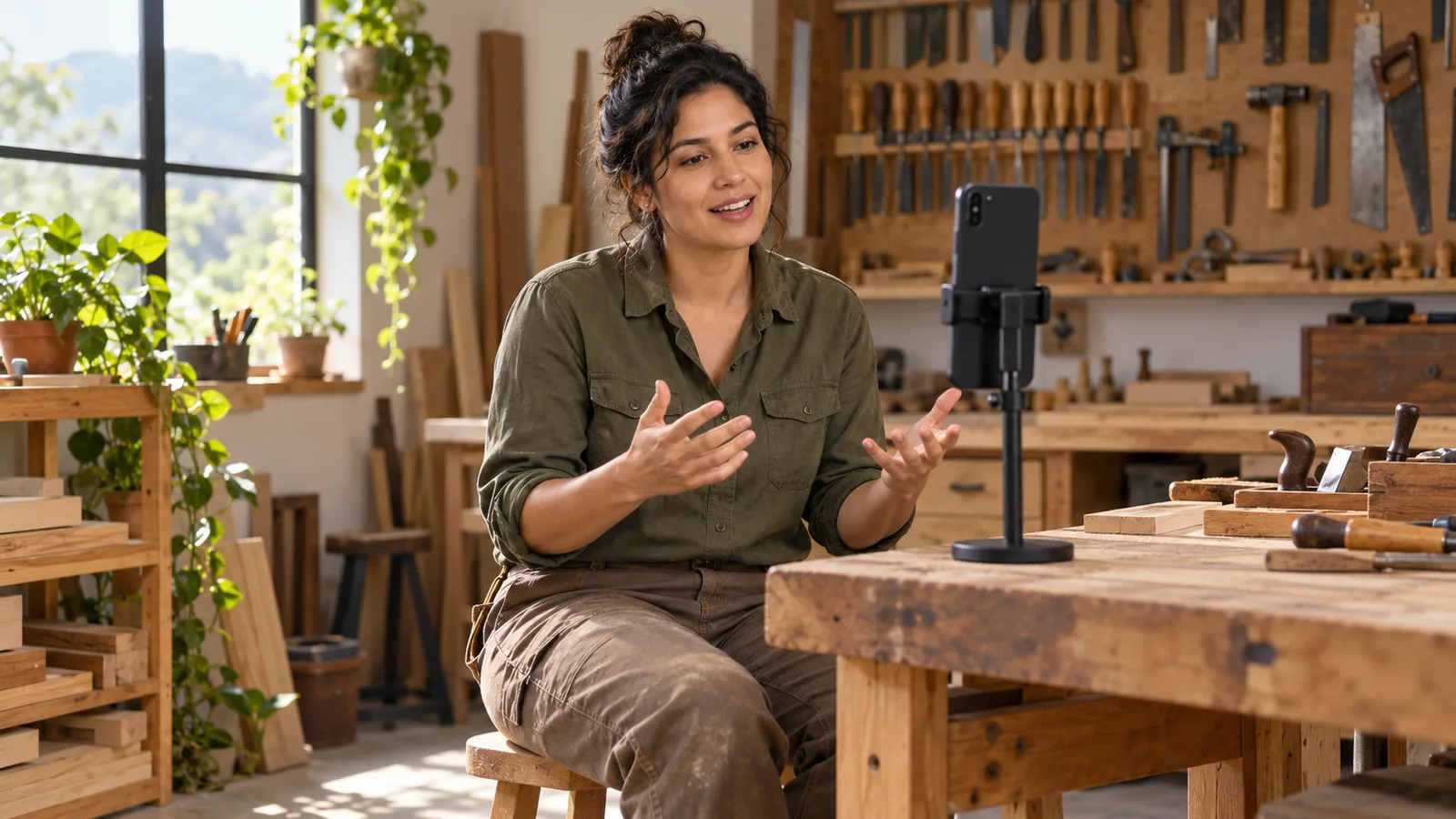
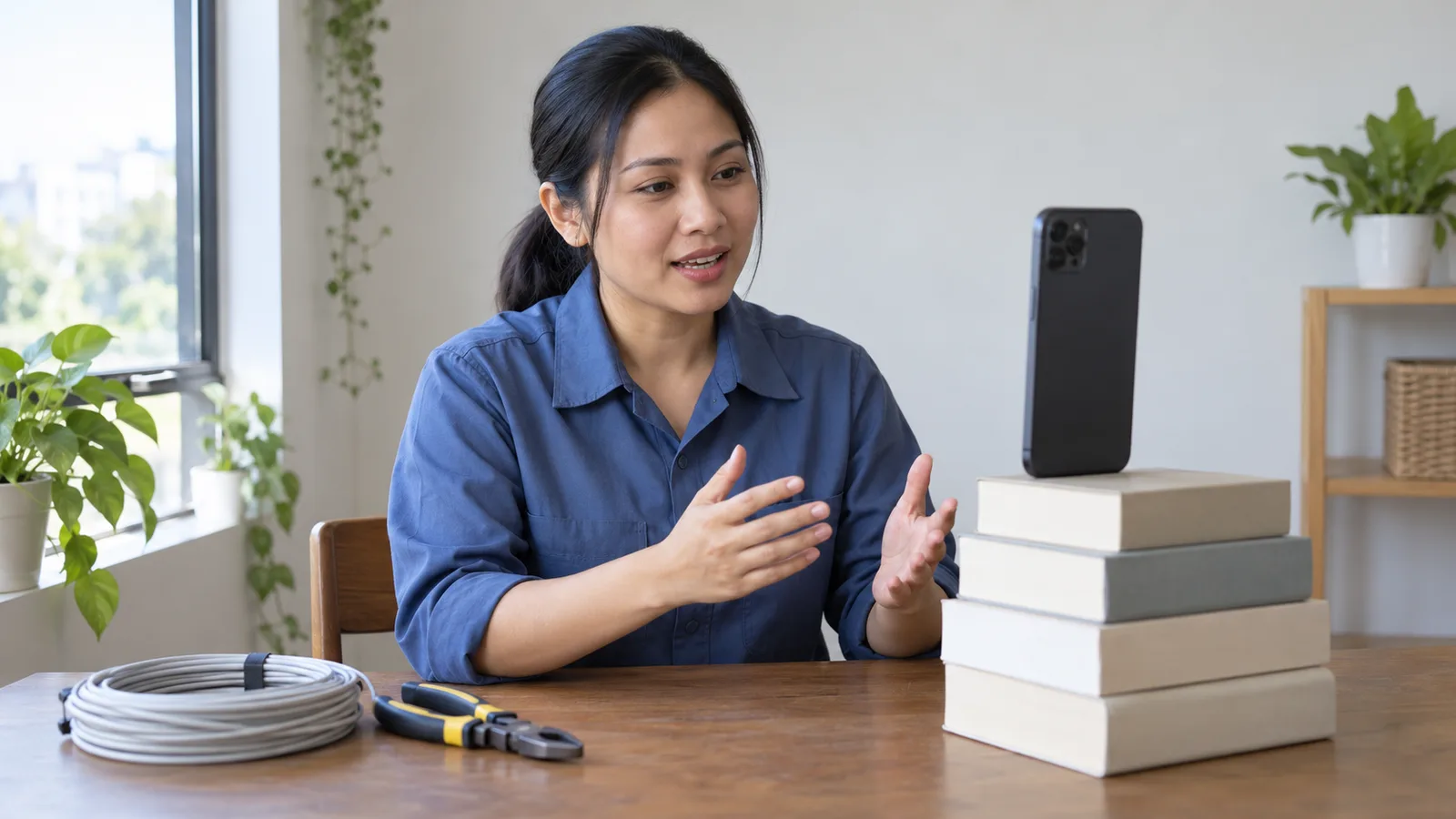
To record a self introduction video on your phone, sit facing a window or a lamp in a quiet room, stand the phone upright at eye level on something steady, and frame your head and shoulders against a plain wall. Wear clean work clothes, talk to the lens, and film a 10-second test clip first. Then record, retake until you are happy, trim the start and end, and watch it once more before you send it.
You do not need to buy anything. The Australian Government's advice for job seekers says the camera on your phone should work well for a video resume. This guide is for tradespeople using an Android phone. If you are getting applications ready, the SelfIntroVideo page for job seekers explains where a short intro video fits.
What to get ready before you film
A few minutes of setting up saves a lot of wasted takes.
| What you need | Why it matters | Easy option at home |
|---|---|---|
| Phone, charged, with free space | A flat battery or full memory can stop a take | Charge it and check Settings, then Storage |
| Something to hold the phone | A phone in your hand shakes | A small stand or a pile of books |
| Light in front of you | The viewer must see your face | A window you face, or a lamp behind the phone |
| A quiet room | Noise covers your voice | A bedroom with the door and window shut |
| A plain background | Clutter pulls eyes away from you | A blank wall or a closed cupboard door |
| Clean work clothes | You look ready to start work | A plain work shirt or polo, washed and ironed |
If your phone is broken, the Australian Government's Job Jumpstart site says you can ask friends or family, and some libraries have private rooms and may lend equipment.
Light: face the window, never sit with it behind you
Fix the light first. A bright window behind you turns your face into a dark shape. The Job Jumpstart video interview checklist says to pick somewhere quiet, private and well lit, and to make sure the lighting is not behind you.
Daylight is the best free light. The Australian Government's advice for job seekers suggests a window behind the camera, so daylight falls evenly on your face. In the evening, the National Careers Service in the UK says a lamp works when natural light is poor.
Put the lamp behind the phone, a little above your eyes. If you wear glasses, the Job Jumpstart checklist says to adjust the lighting to cut glare on your lenses, so turn the lamp slightly to one side.
Sound: a quiet room and the phone close to you
A plain picture is easy to forgive. Poor sound is not. The Australian Government's advice for job seekers says the audio in a video resume should be clear, with no background noise.
Choose the quietest room you have and switch off fans, radios and the TV. Soft things help: a room with a bed, curtains or a rug echoes less than a tiled bathroom.
Keep the phone about an arm's length from your face. The further away the microphone sits, the more room noise it collects. Tahatū Career Navigator advises silencing devices and closing apps that send notifications before a video interview, and the same habit works here.
Phone position: upright, steady and at eye level
Do not hold the phone for the real take. Arms get tired and the picture moves. Tahatū Career Navigator says you can film a video CV on your phone and should keep it steady by propping it up or using a tripod. A stack of books on a table works fine.
Bring the lens up to your eyes. The Australian Government's advice for job seekers suggests placing the lens just above your eye level, tilted slightly down, and never filming from below. A low phone looks up at your chin and shows the ceiling.
Keep the phone straight, not leaning back. On a Pixel, Google's Pixel Camera Help shows how to turn on gridlines under Settings, More Settings, Grid type, which helps you keep the picture level. Use the front camera so you can see yourself; on a Pixel you tap Switch in the Camera app.
Framing, background and clothes
Show your head and shoulders. The Job Jumpstart checklist says your shoulders and whole head should sit in the centre of the shot, with the camera at eye level. Leave a small gap above your hair.
Keep the background simple. Tahatū Career Navigator says a neat, tidy background is best and a blank wall is good. Filming in the workshop can work if it is tidy and silent; if machines are running, use a plain wall at home instead.
The Australian Government's advice for job seekers says to wear the outfit you would choose for an in-person interview. Tahatū Career Navigator adds that clothes do not have to be new or expensive, only smart and tidy. For most trades, a clean, plain work shirt is right, and the National Careers Service suggests avoiding heavy or noisy jewellery.
Eyes on the lens, not on your own face
Your eyes want to watch yourself on the screen. The Job Jumpstart checklist says to look at the camera rather than the screen, so your eyes are more likely to line up with the viewer's.
Find the tiny lens at the top of the phone and talk to it like a person you respect. Smile as you begin. Tahatū Career Navigator suggests taking a deep breath first and trying to talk slowly and clearly. For a short intro, it advises a talk about yourself that takes no more than 60 seconds to say.
If you need notes, put a card with a few key words just below the lens. The Australian Government's advice for job seekers says to write your key points first and practise them aloud many times, so you do not sound like you are reading.
How to record a self introduction video on your phone, from setup to send
- Set up. Stand the phone at eye level, open the camera, choose video and turn on the front camera.
- Check the picture. Is your face bright? Are your head and shoulders centred? Is the wall plain?
- Film a 10-second test clip. Say your name and your trade, then stop. Google's Pixel Phone Help notes that a short video with sound in the Camera app shows whether the microphone works.
- Watch and listen. Tahatū Career Navigator advises testing your camera and microphone and doing a test run with a friend or family member. Fix light, noise or framing now.
- Record the real take. On a Pixel, Google's help says you open the Camera app, switch to Video mode, tap Record to start and tap Stop to finish. Pause for a moment before your first word and after your last.
- Retake if you need to. The Australian Government's advice for job seekers says to do as many takes as you need until you are happy.
- Trim and check. Cut the moments where you reach for the phone, then watch the whole video once more with sound.
Trim it and check it before you send
Google Photos Help explains how to trim a video on Android: open it in Google Photos, touch and hold, drag the trim handles to keep the part you want, and tap Save to keep a copy with your edits.
Then ask someone you trust to watch it. The Job Jumpstart checklist suggests asking friends or family about your appearance, your eye contact and whether your voice was clear. Check that your face is bright, your voice is clear, and the video stays under 2 minutes, which the Australian Government's advice for job seekers recommends.
Sending your video with job applications in Australia
The Australian Government's advice for job seekers says a well-made video resume can give you an edge, but one that is not right can work against you. Send only a take you are proud of.
If you are searching for work there, job ads on Talynx are one place to look. Write a new application for each job, as the same advice suggests, and add your video link where the ad leaves room for it. Stay safe: the Fair Work Ombudsman says an employer cannot ask you to pay money just to receive a job offer.
How the SelfIntroVideo app helps with recording
SelfIntroVideo shows a teleprompter near the top of the screen, close to the camera, and lets you retake and trim before "Set as Intro Video" adds the video to your Talent Tabloid profile. The Android app is not on Google Play yet and is coming soon: see how the app works, the app features or the SelfIntroVideo FAQ.
Common mistakes when filming yourself on a phone
- A window behind you. Your face goes dark. Turn so the light hits your face.
- Holding the phone. The picture shakes. Prop it on a stand or books.
- Filming from below. A phone on your lap looks up at your chin. Raise it to eye level.
- Noise nearby. Fans, traffic and TVs bury your voice. Shut the door and window.
- Watching yourself, not the lens. You look away from the viewer.
- Skipping the test clip. You find the sound problem after a perfect take.
- Sending without watching. A cut-off word at the end looks careless.
Frequently asked questions
Do I need a special camera or microphone to record a self-introduction video?
No. The Australian Government's advice for job seekers says the camera on your phone should work well, so expensive equipment is not needed. A quiet room and a phone kept close to you matter more than extra gear.
Should I film with my phone upright or turned sideways?
Either way, never hold it: stand it on something steady. The Australian Government's advice for job seekers suggests filming a video resume sideways (landscape) because it is easier to view. If an employer form or your app asks for another shape, follow that.
How long should a self-introduction video be?
Aim for about one minute. Tahatū Career Navigator in New Zealand suggests a spoken introduction of no more than 60 seconds, and the Australian Government's advice for job seekers says to keep a video resume under 2 minutes.
Why does my voice sound quiet or muffled in the video?
Usually the phone is too far away, the room echoes, or something covers the microphone. Move closer, film in a softer room, and take off the case, as Google's Pixel Phone Help suggests when people cannot hear you.
How many takes should I do before I send it?
As many as you need. The Australian Government's advice for job seekers says to keep doing takes until you are happy, ask a friend for feedback and edit the video before uploading it.
Key takeaways
- Face a window or lamp so the light falls on your face, never behind you.
- Film in a quiet room with the phone about an arm's length away.
- Prop the phone at eye level and frame your head and shoulders on a plain wall.
- Look at the lens, speak slowly, and film a 10-second test clip first.
- Retake, trim the start and end, and watch the whole video before you send it.