
How to make your self-introduction video, step by step
From your profile to a finished one-minute video in six simple steps. Everything happens on your Android phone.
Connect your Talent Tabloid profile
Open the app and tap Connect with Talent Tabloid. A browser tab opens where you sign in to your Talent Tabloid account. Then you come back to the app.
The app reads your name, the job you want, your skills and your work experience from your profile. It uses them to write your script. You need a Talent Tabloid account to use the app. Create or update your Talent Tabloid profile first, so the script has good details to work with.
Get your script
Tap New Intro. Choose Generate with AI or Write my own.
The AI script is 90 to 160 words. That is about 30 to 60 seconds of speaking. It uses short sentences and common words, so it is easy to read aloud, even if English is your second language. It follows a simple order: hello, your job, your skills, and a short closing line.
Pick a tone: Confident, Friendly or Formal. Tap Regenerate for a new version. Change any words you like. You can also save scripts in your Scripts library and use them later.
Practise with the teleprompter
Before you record, you can practise. The teleprompter scrolls your script and highlights the line you are reading. It slows down a little at full stops and commas, so you have time to breathe.
Set your speaking pace from 100 to 180 words per minute. The app remembers it. Tap the text to pause.
Record on your phone
Tap Start Recording. You get a 3-second countdown. The front camera is on, and you can switch to the back camera. Your script scrolls near the top of the screen, close to the camera, so your eyes stay near the lens.
Aim for about one minute. The app shows when you reach 60 seconds, and recording stops at 90 seconds.
Check, retake and trim
Watch your take. Not happy? Tap Retake. Happy? Drag the two handles to trim the start and the end, add a title if you like, and save.
Front cameras record a mirror image. The app fixes this for you after saving, so text on your shirt or behind you reads the right way. The app keeps up to 5 recordings.
Add it to your profile
Open your video and tap Set as Intro Video. The video goes to your Talent Tabloid profile and becomes your intro video there. If you delete the video in the app later, it is also removed from your profile.
Five quick tips the app shows you
The app gives these tips before your first recording. You can open them again any time.
- Light: face the light. Do not sit with a window behind you.
- Background: tidy and simple.
- Sound: a quiet room, with the phone about 30 to 60 cm (1 to 2 feet) away.
- Framing: head and shoulders, phone held upright.
- Eye contact: look at the camera lens, not at yourself.
Read more before you record

Self-introduction video mistakes: nine that make employers stop watching, and the fix for each
Self introduction video mistakes that make employers stop watching: too long, dark, noisy, read from a script, no proof. A plain fix for each, and a check.

Self-introduction video for an overseas job: one base recording, small changes for five regions
Self introduction video for overseas job applications: one base script, then what to change for Australia, NZ, the UK, Canada and the Gulf, honestly.
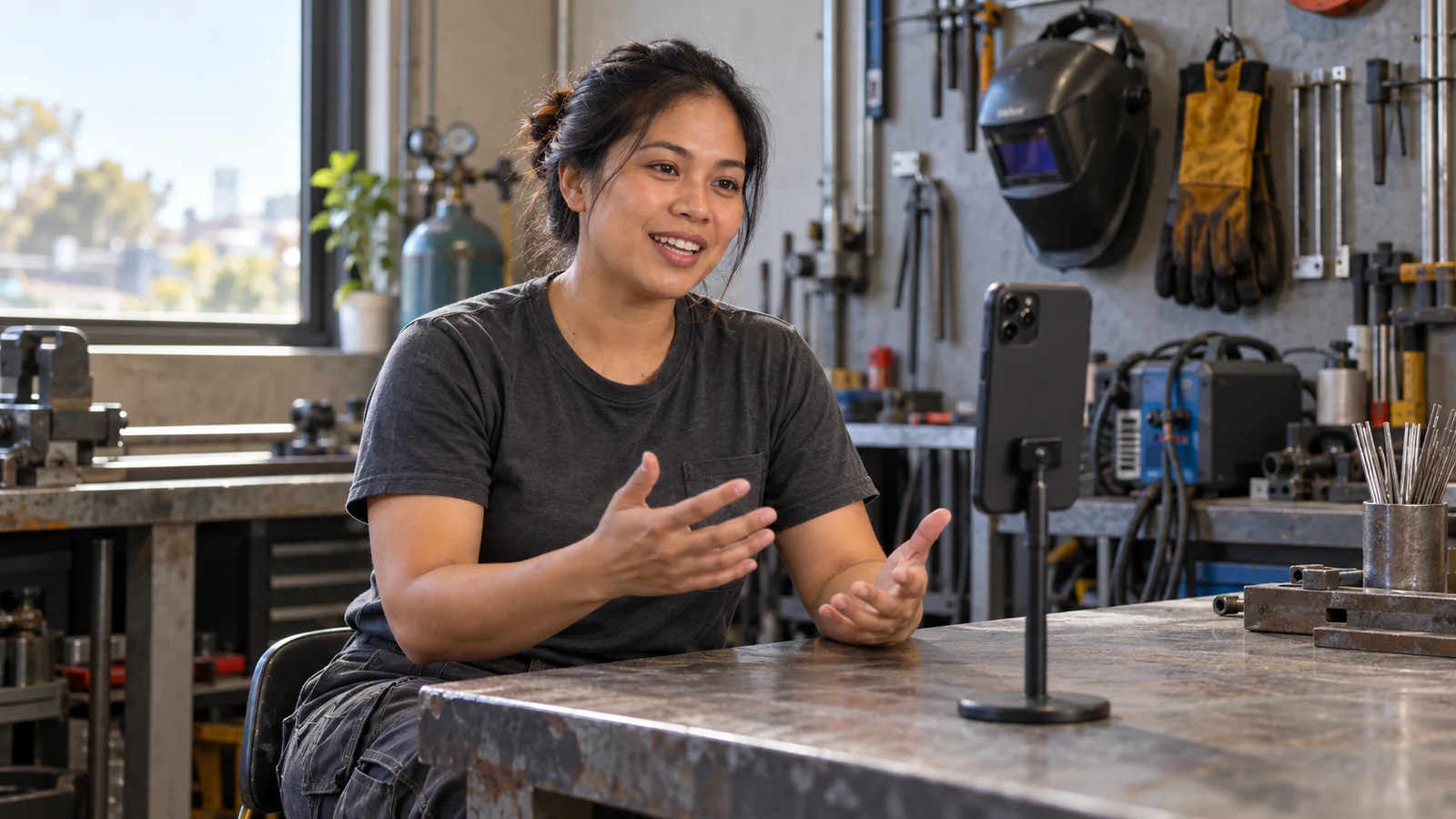
What do employers look for in a candidate? Five things they check in your first minute on camera
What do employers look for in a candidate? Skills, reliability, safe work, clear English and attitude, and how to show each one in a 60-second video.
Your one-minute introduction starts here.
Android app coming soon. iPhone version coming later.