
The most common self introduction video mistakes are simple ones: the video runs too long, the room is dark or noisy, you read every word from a script, you say "I am hard-working" with no example, and you stop without a clear ending. Each one has a quick fix with the phone you already own.
Why small mistakes cost you the whole video
The Australian Government's advice for job seekers says a well-made video resume can give you an edge over other candidates, but one that is not right can work against you getting the job. So a bad video is not neutral.
The good news: almost every mistake below is about preparation, not talent. Check your video the way you check your work before you hand it over. Our guide on what employers look for in your first minute on camera explains what the person watching is checking.
The nine mistakes at a glance
| Mistake | What the employer sees | The fix |
|---|---|---|
| 1. Too long | A slow start, and they stop watching | Plan for about one minute |
| 2. No clear ending | The video just stops | Thank them and say how to contact you |
| 3. Personal details | Age, family or documents they did not ask for | Talk about your work only |
| 4. Dark or backlit face | A shadow in front of a bright window | Face the light; keep it behind the camera |
| 5. Phone too low or shaking | Your chin, the ceiling, a moving picture | Prop the phone up at eye level, sideways |
| 6. Busy background | Washing, a TV, people walking past | A tidy wall in a private room |
| 7. Noise | Traffic, a fan or voices over your words | A quiet room and a short sound test |
| 8. Reading the script | Eyes moving left to right, a flat voice | Learn your key points, then look at the lens |
| 9. No proof | "I am hard-working" and nothing else | One real example from your trade |
Mistakes in your plan, before you press record
1. The video is too long
Many people try to tell their whole career. The employer does not need it. The Australian Government's advice for job seekers says to time your video resume and keep it under 2 minutes, because attention spans drop with anything longer.
New Zealand's government careers service, Tahatū Career Navigator, suggests a short talk about yourself that takes no more than 60 seconds to say. It also says video CVs are usually 1 to 3 minutes long. Aim for one minute: our 60-second scripts for five trades show what fits.
2. There is no clear ending
Many videos end with "OK... that's it" and a hand reaching for the phone. Tahatū advises a simple order for a video CV: introduce yourself and say why you made the video, then say why you are the right person for the job, and finish by thanking the employer and giving your contact information.
An example ending for a plumber: "Thank you for watching. My CV has my email and phone number."
3. You share personal details nobody asked for
Some people start with their age, marriage and children. In some countries this is normal on a CV. In the countries most readers apply to, it is not.
The UK's National Careers Service says you should not include your age, date of birth, marital status or nationality on your CV. Leave them out of your video too.
Never hold your passport, visa or ID card up to the camera. Scamwatch, the Australian Government's scam warning service, says never to send your passport or identity documents to an employer or recruitment firm unless you are certain they are genuine. A video can be copied, so keep documents off camera.
Mistakes in the picture and the sound
4. Your face is dark or backlit
With a bright window behind you, the camera turns your face into a dark shape.
The Australian Government's Job Jumpstart video interview checklist says to find somewhere quiet, private and well lit, and to make sure the lighting is not behind you. Put the window behind the phone, so the daylight falls on your face. If you wear glasses, the same checklist says to adjust the room lighting to reduce glare from the lenses.
5. The phone is too low, too close or shaking
Tahatū says you can film a video CV with your phone and should keep it steady by propping it up or using a tripod. The Australian Government's advice for job seekers suggests placing the lens just above your eye level and tilting it down, never shooting from below. It also says to film with the phone sideways (landscape), because it is easier to view.
For framing, the Job Jumpstart checklist says your shoulders and whole head should be in the centre of the shot. A pile of books makes a good stand. Our plain guide to recording on your phone walks through the set-up step by step.
6. The background pulls attention away from you
Washing on a line, an unmade bed, a TV, or a family member walking past all take the employer's eyes off you. Tahatū advises a neat, tidy and professional background and says a blank wall is good. The UK's National Careers Service also advises a quiet space without interruptions and nothing distracting behind you.
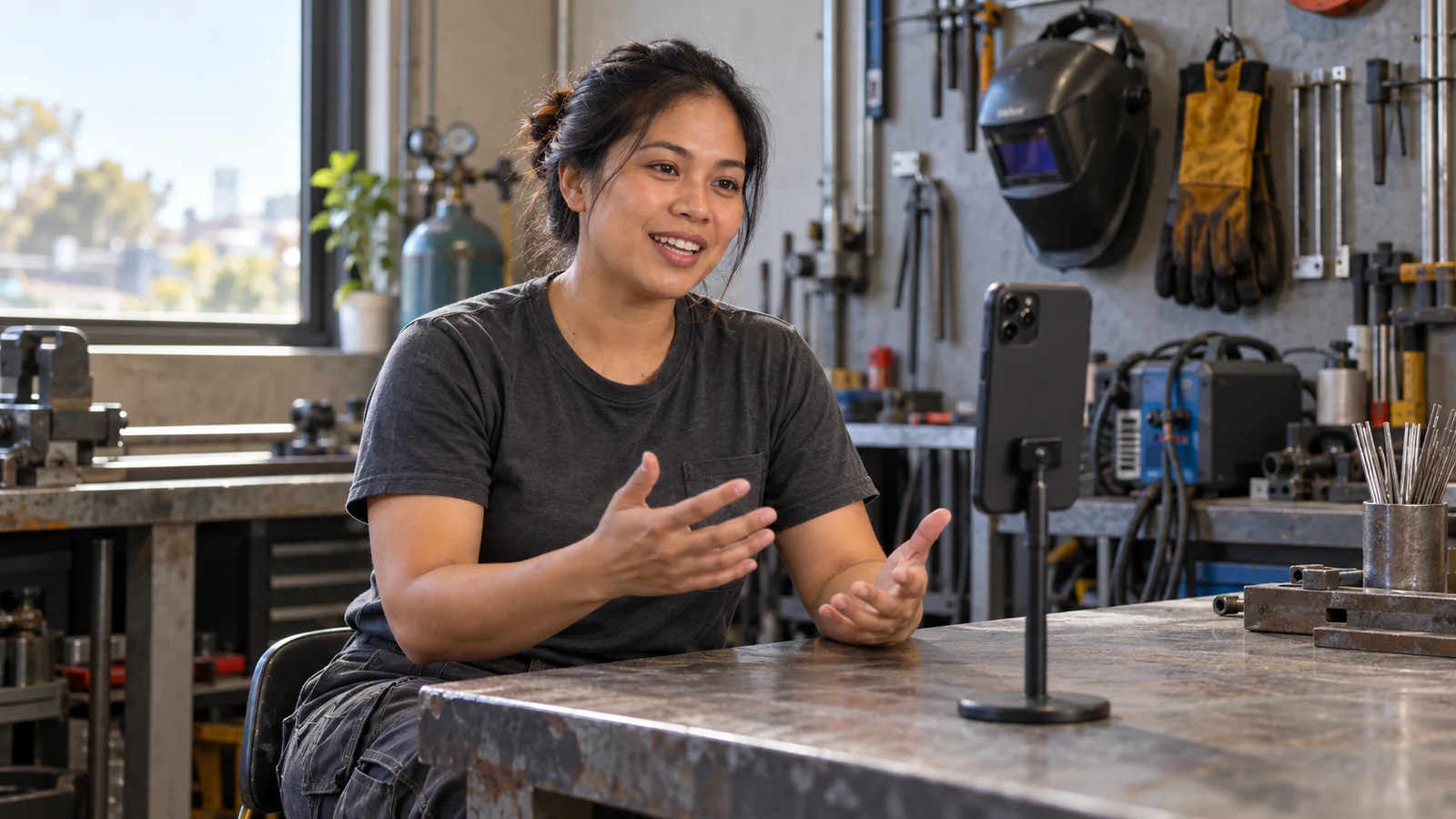
A tidy workshop can work too, if it is safe, quiet and clean.
7. Noise covers your words
The Australian Government's advice for job seekers says the audio in a video resume should be clear, with no background noise. Tahatū advises a quiet place with no distractions and closing apps that might send notifications.
Do a ten-second test before the real take and listen with earphones. If the sound is muffled, take the phone out of its case.
Mistakes in what you say and how you say it
8. You read the script word for word
When you read a script, your eyes move and your voice goes flat. The Australian Government's advice for job seekers says to write your key points first and practise reading them aloud many times, so you sound professional without sounding like you are reading from a script.
Look at the lens, not at your own face on the screen. The Job Jumpstart checklist says looking at the camera makes your eyes more likely to line up with the viewer's. Nerves make people talk too fast; practising out loud helps calm them.
Worried about your English? Clear beats perfect. Our guide on speaking confidently on camera in your second language has practice routines for this.
9. You make claims with no proof
"I am hard-working and a team player" tells the employer almost nothing. The Australian Government's advice for job seekers says to use examples that relate to the job you are applying for, to show you have the skills.
An example for an electrician: "Instead of 'I am experienced', say: 'For [number] years I have wired new houses, from the first cables to the final test.'"
Stay honest. New Zealand's Human Rights Commission says an employer can withdraw a job offer over exaggerated qualifications or experience. And never criticise a past employer.
A nine-point check before you send it
Watch your video once as if you were the employer, then check:
- Time it. Is it close to one minute, and well under two?
- Check the opening: your name and your trade in the first few seconds.
- Check the proof: is there at least one real example from your work?
- Check the ending: a thank you and how to contact you.
- Check your face: is it bright and clear, with no window behind you?
- Check the frame: phone steady, sideways, at eye level, head and shoulders in the centre.
- Check the background: tidy, private, nobody walking past.
- Listen with earphones: can you hear every word, with no noise over it?
- Check for personal details: no age, family details or documents on camera.
Then show it to someone you trust. The Australian Government's advice says to do as many takes as you need until you are happy and to ask a friend for feedback.
Common mistakes when you fix your video
- Recording again and again and never sending it. Aim for good, not perfect. A small pause is fine.
- Sending the same video for every job. Tahatū advises updating your CV for each job using words from the job ad. Do the same with the last line of your video: name the kind of work in the ad.
- Uploading it for the whole world. The Australian Government's advice suggests a video resume uploaded with the privacy set to unlisted, so it does not appear in search results.
- Sending the video without a written CV. Tahatū says a video CV does not replace your written CV. The two should tell the same story. A tool like Build AI CV can help you write a CV that matches what you say on camera. Our comparison of a video CV and a paper CV explains when to send both.
Where SelfIntroVideo fits in
SelfIntroVideo is an Android app that writes a short script from your Talent Tabloid profile, in plain English, between 90 and 160 words. Its teleprompter scrolls while you look at the camera and pauses briefly at full stops and commas, which helps with mistake 8.
The app aims for about 60 seconds and stops recording at 90 seconds, which helps with mistake 1. You can retake until you are happy and trim the start and end with two drag handles. You can see each step on the how it works page and the full list on the features page.
The app needs a Talent Tabloid account, and "Set as Intro Video" adds your video to that profile. The Android app is not on Google Play yet, and an iPhone version is coming later. Everything in this guide works with your phone's own camera today.
Frequently asked questions
What is the biggest self introduction video mistake?
Making it too long is the most common one. The Australian Government's advice for job seekers says to keep a video resume under 2 minutes because attention drops after that. Aim for about one minute.
Should I read from a script in my video?
Plan your words, but do not read them line by line. Write your key points, practise them out loud many times, and then speak to the camera lens. A teleprompter placed near the lens can help if you still need a prompt.
Is my accent a mistake in a self-introduction video?
No. Being clearly understood matters more than how you sound. New Zealand's Human Rights Commission says an employer cannot refuse to hire you because of your accent if you can be clearly understood. Speak slowly and clearly, and pause between your points.
Should I say my age or family situation in the video?
No. Talk about your work, your skills and why you want the job. The UK's National Careers Service says not to include your age, date of birth, marital status or nationality on your CV, and the same goes for your video.
Key takeaways
- Aim for about one minute and finish with a thank you and your contact details.
- Face the light, keep the phone steady and sideways at eye level, and record in a quiet, tidy, private place.
- Learn your key points, then speak to the lens instead of reading.
- Replace general claims with one real example from your trade.
- Leave out personal details and documents, and send the video with a matching written CV.