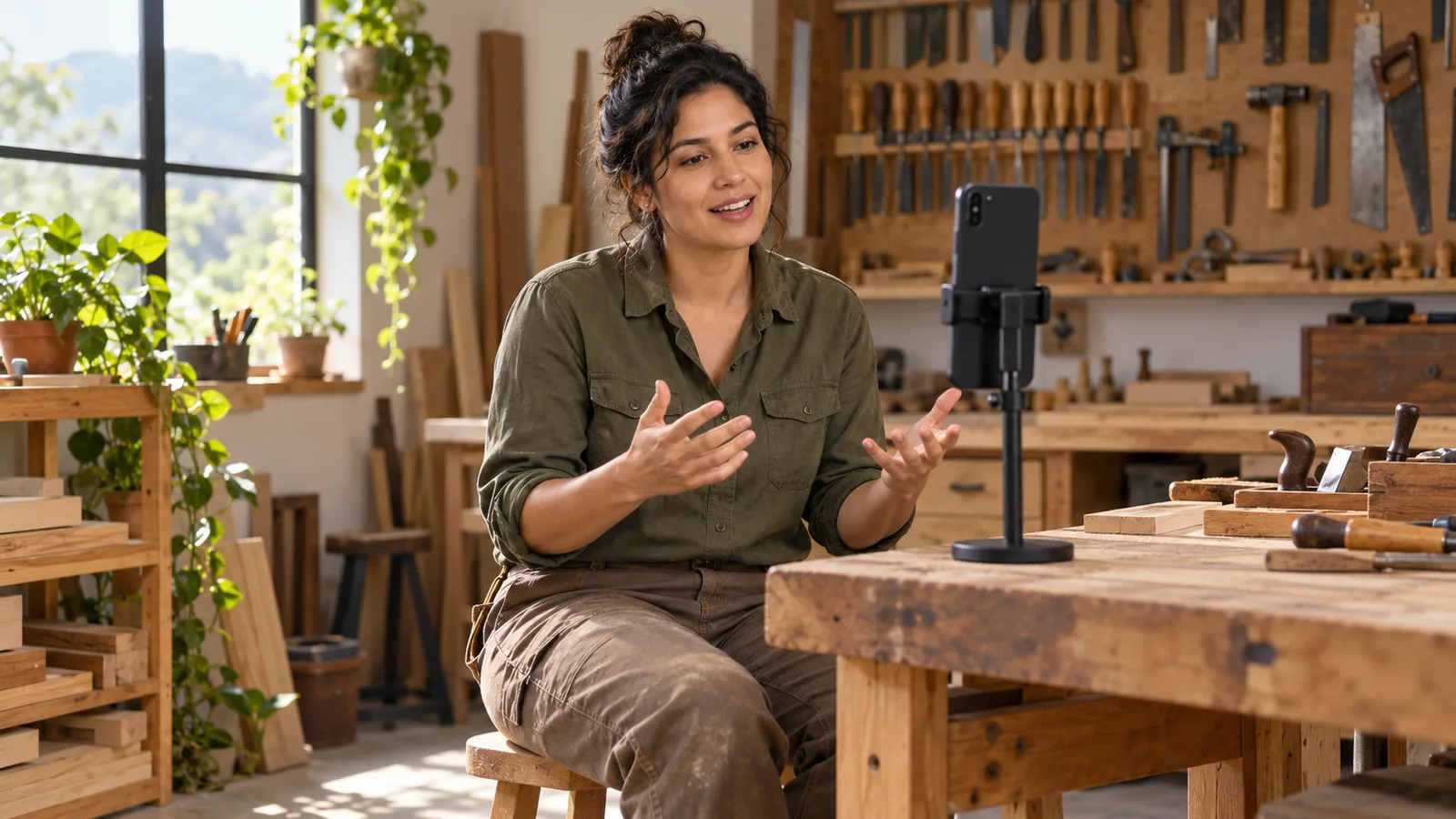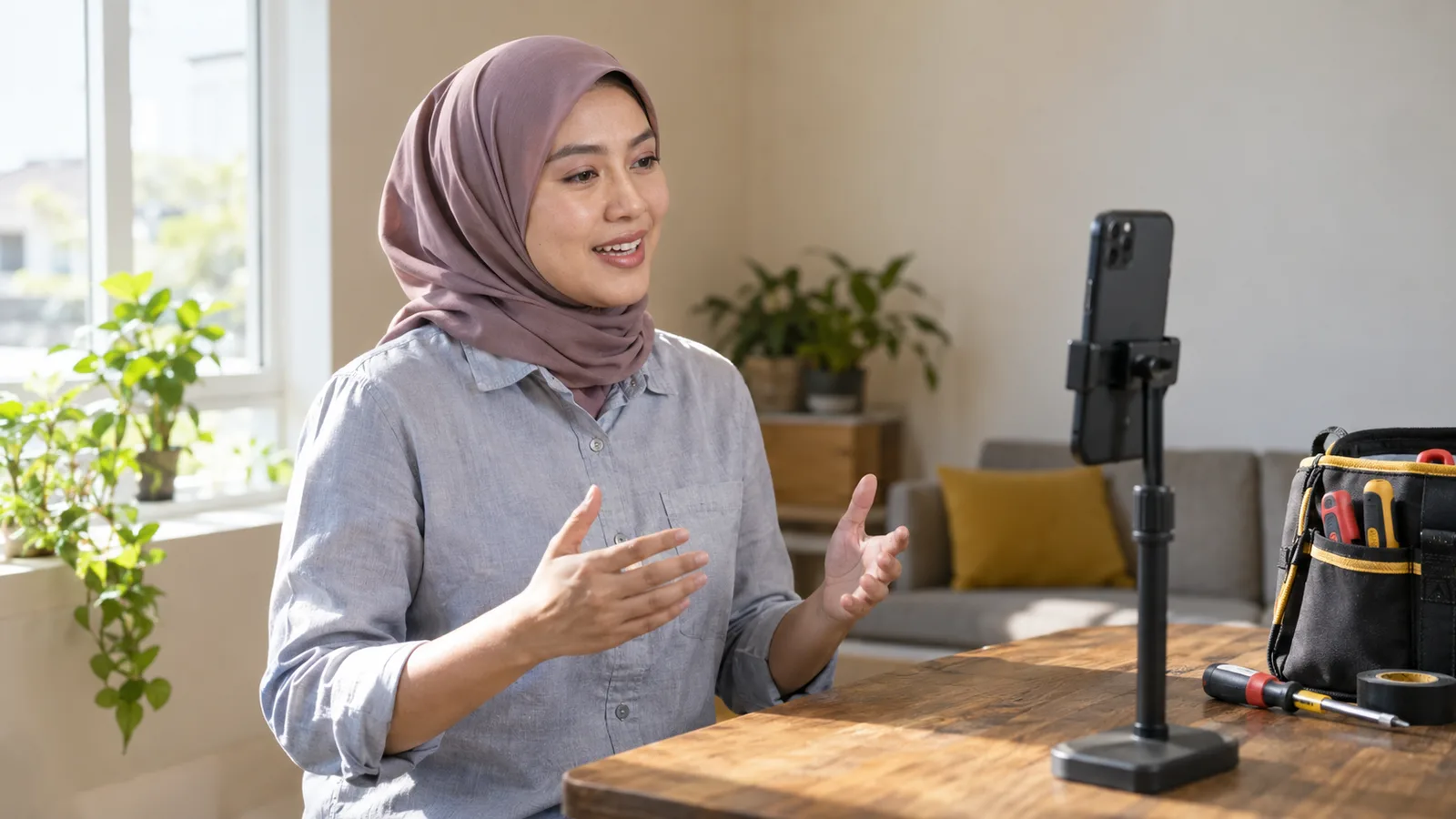
Good video CV examples from the trades look different on the surface, but they share the same bones. They run for about a minute, start with a name and a trade, prove one skill with a real job, are filmed on a steady phone in good light, and finish with a thank you and a way to get in touch. Below are three example videos written out shot by shot, for a diesel mechanic, a cook and a carpenter, and then the steps to turn one into your own.
Each example has a setting, a shot list (what the camera sees) and the words to say. The talking shot is always the main one. The examples are not real people: swap the words in square brackets, like [your name], for your own details.
What good video CV examples have in common
Official careers advice points the same way. The Australian Government's advice for job seekers on video resume tips says a video should introduce you and summarise your relevant education, experience and achievements, and should be timed to stay under 2 minutes.
New Zealand's Tahatū Career Navigator says video CVs are usually 1 to 3 minutes long. Its guide on how to create a video CV gives a simple order: introduce yourself, explain why you are right for the job, then thank the employer and give your contact details.
Put together, the strong examples share five things:
| What they share | What it looks like on screen | Why it helps |
|---|---|---|
| A short length | One clear take of about a minute | The viewer stays to the end |
| A clear start | Face, name and trade in the first few seconds | The employer knows at once if you fit |
| One piece of proof | A real job told in steps: the problem, what you did, the result | It shows you understand the work |
| A calm, steady picture | Phone propped up at eye level, face in good light | Nothing pulls attention away from what you say |
| A clean ending | A thank you, then where to find your contact details | The viewer knows the next step |
Tahatū also says a video CV does not replace your written CV. Our comparison of a video CV and a paper CV explains when each one helps.
Example 1: a diesel mechanic in the workshop
The shot list
- Setting: a tidy corner of the workshop after a shift, with the owner's permission. A clean bench behind you, and no customer vehicles or number plates in view.
- Shot 1: you from the chest up, phone on a stand, turned sideways, speaking to the lens.
- Shot 2 (optional): a few seconds of a clean engine bay, then back to your face for the ending. No editing software needed: Google's Pixel Camera Help says you can tap Pause while recording to put a cut in your video, then tap Record to carry on.
What the mechanic says
An example for a diesel mechanic: "Hi, I'm [your name]. I'm a diesel mechanic, and for [number] years I've kept trucks and earthmoving machines running at [type of workplace] in [city]. Most days I do services, hydraulics and fault-finding. Not long ago a loader kept cutting out under load. I checked the fuel system step by step, found a cracked line behind the filter housing and replaced it, and the machine was back at work the next morning. I'm looking for a heavy vehicle role with a bigger fleet. Thanks for watching. My phone number and email are in my CV."
Why this one works
The first two sentences give the trade, the machines and the years. The story follows the STAR method the Australian Government's advice for job seekers recommends: Situation, Task, Action, Result. It ends with a clear next step instead of "OK, that's it".
Example 2: a cook before service
The shot list
- Setting: the kitchen before service, cleaned down, with the head chef's OK, or a tidy kitchen at home. The Australian Government's Job Jumpstart video interview checklist says to find somewhere quiet, private and well lit, with the light not behind you.
- Shot 1: you from the chest up in a clean, plain top. The Australian advice says to wear what you would wear to an in-person interview.
- Shot 2 (optional): a few seconds of your section set up for service, then your face again.
What the cook says
An example for a cook: "Hello, I'm [your name], a cook with [number] years on the line in [hotel or restaurant] kitchens. I mostly work the grill and the pass, and I keep my section clean and labelled all shift. On our busiest nights I plan my prep the day before, so nothing runs out in the middle of service. I hold [your food safety certificate]. I'd like to join a team that cooks fresh food to order. Thank you for your time. You can reach me on the email in my CV."
Why this one works
It names the station, a habit every head chef cares about and one planning example the viewer can picture. The certificate gets a few words; the CV holds the detail, since the Australian advice says to list relevant licences on your resume with the expiry date of each one.
Example 3: a carpenter in front of finished work
The shot list
- Setting: a finished job you are proud of, with the owner's permission. Film when no saws are running: the Australian advice says the sound should be clear, with no background noise.
- Shot 1: standing, phone at eye level on a tripod or a stack of boxes. The Job Jumpstart checklist says your shoulders and whole head should sit in the centre of the shot.
- Shot 2 (optional): a slow move along the finished stairs, holding the phone with both hands, then back to you.
What the carpenter says
An example for a carpenter: "Hi, my name is [your name]. I'm a carpenter, and I've spent [number] years on houses: framing, roofs, stairs and fit-out. Behind me is a staircase I built from the plans, from setting out the stringers to fixing the last tread. I check my measurements twice, and I leave the site tidy for the next trade. I have [your licence or safety card]. I'm ready for a full-time carpentry job with a builder who cares about quality. Thank you for watching. My details are on my profile and in my CV."
Why this one works
The proof is in the picture. Instead of saying "I do good work", the carpenter stands in front of it and explains how it was built. Two small habits, measuring twice and leaving the site tidy, tell a builder how this person works with others. For more wording by trade, see our 60-second self-introduction scripts.
How to turn an example into your own video CV
- Write key points, not a speech. The Australian Government's advice says to write your key points first and practise them aloud many times, so you do not sound like you are reading.
- Choose one real job for your proof story. Tahatū advises updating your CV for each application with keywords from the job ad; your video can use the same words.
- Set up the place and the phone. Tahatū advises a tidy background in a quiet, well-lit place. Film sideways (landscape), with the lens just above your eye level; the Australian advice says never to shoot from below. Our guide to recording a self-introduction video on your phone has more on light and sound.
- Practise out loud. Tahatū suggests practising in front of friends or family for feedback before you film.
- Record, then record again. The Australian advice says to do as many takes as you need, ask a friend for feedback and edit before you upload.
- Trim and share. Google Photos Help says that on Android you can drag the trim handles in Google Photos and tap Save to keep a copy. The Australian advice suggests YouTube with the privacy set to unlisted, so the video does not appear in search results.
Your written CV should tell the same story. A tool such as Build AI CV can help you put it together; check that every detail is true. If English on camera makes you nervous, our tips on speaking confidently on camera help.
Where the SelfIntroVideo app fits
If you have a Talent Tabloid profile, the app writes a script of 90-160 words with AI from your target role, skills and work experience, and its teleprompter scrolls while you look at the camera. It aims for a video of about 60 seconds and stops recording at 90.
You can retake, trim, and use "Set as Intro Video" to send the video to your Talent Tabloid profile. The Android app is coming soon (not on Google Play yet), with iPhone later. See how SelfIntroVideo works or read what it offers job seekers.
Common mistakes when you copy a video CV example
- Reading an example word for word. It sounds like someone else. Use your own facts and your own way of speaking.
- Filming at work without asking. Get the owner's or manager's OK, and keep customers, number plates and other people's paperwork out of the shot.
- Letting the work shot take over. A few seconds is enough; your face and voice are the point.
- Adding personal details. The UK's National Careers Service says not to include your age, date of birth, marital status or nationality on your CV. Leave them out of your video too.
- Holding documents up to the camera. Scamwatch says never to send your passport or identity documents to an employer or recruitment firm unless you are certain they are genuine. A video showing them is no safer.
For problems once the camera is rolling, such as a dark face or a noisy room, see our list of self-introduction video mistakes and their fixes.
Frequently asked questions
How long should a video CV be for a trade job?
The Australian Government's advice for job seekers says to keep a video resume under 2 minutes, and Tahatū Career Navigator says video CVs are usually 1 to 3 minutes long. For most trade jobs, about one minute is enough. If the employer gives a time limit, follow it.
Do I still need a written CV if I send a video?
Yes. Tahatū Career Navigator says a video CV does not replace your written CV, although it can show your personality and help you stand out. Send the video as an extra and make sure both tell the same story.
What if I am not comfortable on camera?
Tahatū suggests sticking with a written CV if a video is not a good fit for the job or you are not comfortable on camera. Practice helps: the Australian Government's Job Jumpstart site suggests recording yourself and watching it back to see how you look on screen.
Can I use one video CV for every job?
One base video can work for jobs in the same trade, but change the proof story when a job asks for something different. The Australian Government's advice for job seekers says to write a new application for each job so it matches the job ad.
Key takeaways
- Good video CV examples share five things: a short length, a clear start, one proof story, a steady picture and a clean ending.
- Keep the video under 2 minutes; about one minute suits most trade jobs.
- A work shot is optional: keep it to a few seconds, and film at work only with permission.
- Turn an example into your own words and facts instead of copying it.
- Send the video with your written CV, never instead of it.