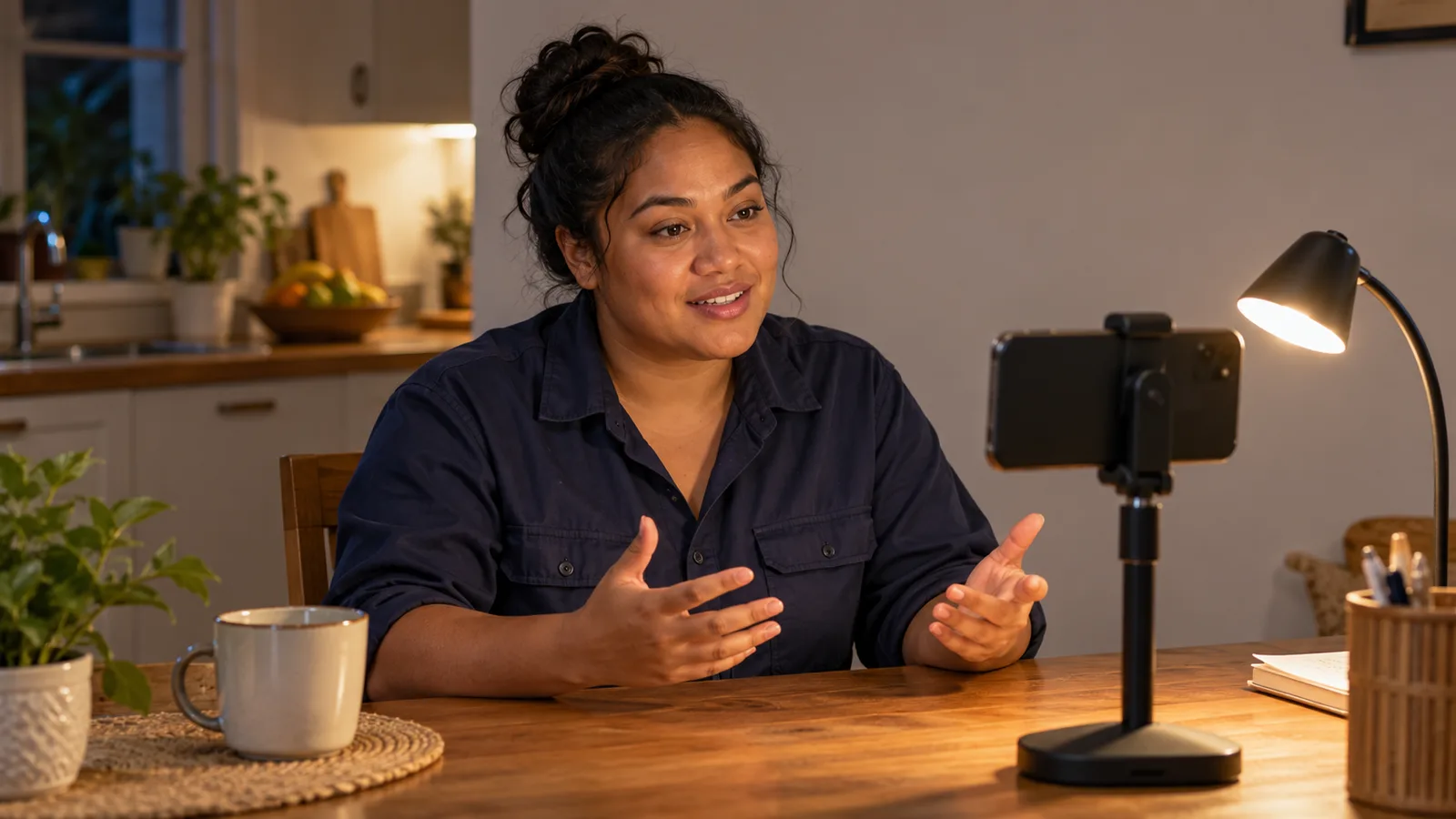

A self-introduction video for a job should usually be about 60 seconds long. That is enough time to say your name and trade, describe your work, give one real example and close politely. Go down to 30 seconds when a form or an employer asks for a short clip, and stay under 90 seconds unless the job ad gives you more time. At a calm pace, one minute holds about 120 spoken words, so the real work is choosing which words to keep.
What official careers advice says about length
No law sets the length, but government careers services give clear guidance, and it points one way: shorter than most people expect.
- New Zealand's Tahatū Career Navigator says a short talk about yourself for employers should take no more than 60 seconds to say.
- Tahatū also says a full video CV is usually 1 to 3 minutes long. That is a longer format with more room for your history.
- The Australian Government's advice for job seekers on video resumes says to time yours and keep it under 2 minutes, because attention drops after that.
Put together, the advice gives you a simple rule. A self-introduction is the 60-second talk, not the full video CV. Your written CV carries the rest.
Why a short video works better for a busy employer
The person who opens your video may have many applications to check. Canada's Job Bank says an employer takes an average of 30 seconds to skim a resume. A video is not a resume, but the habit is the same: people decide fast whether to keep going.
A short video respects that time, and it helps you too:
- You stay clear. Fewer sentences means fewer chances to lose your place or repeat yourself.
- You sound calmer. A short script lets you slow down. A long script makes you rush to fit it in.
Rushing is a real risk. The Australian Government's advice for job seekers says nerves can make you talk faster than usual or miss important points. If English is your second language, a fast pace is harder to follow, so a shorter script you can say slowly is the safer choice. Our guide on speaking confidently on camera in a second language has more on this.
How many words fit in 30, 60 and 90 seconds
Speaking pace is measured in words per minute. There is no single correct pace. The table uses three planning speeds.
| Length | Slow (100 words a minute) | Calm (120 words a minute) | Quick (160 words a minute) |
|---|---|---|---|
| 30 seconds | About 50 words | About 60 words | About 80 words |
| 60 seconds | About 100 words | About 120 words | About 160 words |
| 90 seconds | About 150 words | About 180 words | About 240 words |
Plan with the calm column. If you speak English as a second language, or you speed up when nervous, use the slow column. A one-minute script of 100 to 120 words leaves room to breathe and pause.
To find your own pace, read plain text aloud for one minute with a phone timer, then count the words.
Three lengths, three jobs
30 seconds: the quick hello
Use this when a form asks for a short clip. There is room for three things only: who you are, what you do, and a thank you.
An example for a bricklayer (about 60 words): "Hello, my name is [your name]. I am a bricklayer with [number] years on houses and low-rise walls. I lay face brick and block, I read plans, and I keep my courses straight and level. I would like to bring that work to your team. Thank you for watching. My contact details are in my CV."
60 seconds: the standard introduction
This suits most applications and profiles. It adds the part that makes an employer believe you: one real example from your work.
A simple time plan for one minute at a calm pace:
- Name and trade: about 10 seconds, or 20 words.
- Your work and experience: about 20 seconds, or 40 words.
- One example that proves a skill: about 20 seconds, or 40 words.
- Why this job, and thank you: about 10 seconds, or 20 words.
An example for a commercial painter (about 120 words): "Hi, I'm [your name]. I'm a commercial painter, and I have worked for [number] years on offices, schools and apartment blocks. Most of my work is surface preparation, spraying and brush finishing on walls and steel. I also set up my own access equipment and keep the work area clean for the next trade. On one school job, we had to finish the classrooms during the holidays. I planned the order of rooms with my supervisor, so the floor sanders could follow us without waiting. We handed over on time. I am applying because I want to work on bigger commercial sites. Thank you for your time. You can find my CV and contact details with this video."
For more one-minute scripts by trade, see our 60-second introduction scripts for five trades.
90 seconds: the upper limit
Only go this long when the employer asks for more detail, or you must explain something important, such as a licence.
At a calm pace, 90 seconds is about 180 words. A possible split: about 10 seconds for your name and trade, 25 seconds for your work (about 50 words), 40 seconds for your examples, and 15 seconds to close.
When the employer sets the time
Always follow the employer's instructions first. If a job ad or form says "30 seconds" or "up to 2 minutes", that limit beats every guide, this one included.
Pre-recorded interviews work the same way. The Australian Government's Job Jumpstart site explains that pre-recorded video interviews often have a time limit for each answer, and you may get more than one chance to record. Practise your introduction at the length the platform allows, not the length you would like.
English speaking tests are different again. In the IELTS Speaking test, Part 2 gives you one minute to prepare and asks you to keep talking for 2 minutes. If you are preparing for that test as well, IELTS and PTE speaking practice on PractiseNow can help you build that longer answer. For a job video, short still wins.
How to fit your introduction into the time
Use these steps the day before you film.
- Choose your target. Use the employer's limit if there is one. If not, aim for 60 seconds.
- Write key points, not a speech. The Australian Government's advice for job seekers says to write your key points first, then practise reading them aloud many times so you sound natural, not like you are reading.
- Turn the points into short sentences. One idea per sentence. Count the words and compare with the table above.
- Read it aloud with a timer. Speak slowly and clearly, as Tahatū advises, and take a deep breath before you start.
- Cut until it fits with a few seconds to spare. Use the cutting order in the next section.
- Record, then watch it back. The National Careers Service suggests recording yourself to check that your voice is clear and your pace is steady.
- Trim the start and the end. On Android, Google Photos lets you drag the trim handles and save a copy. Cut the silence before your first word and after your last.
For the filming itself, such as phone height, light and sound, follow our guide to recording a self-introduction video on your phone.
What to cut first when your script runs long
Most first drafts are too long. Cut in this order, and check the time after each cut.
| Cut first | Why it can go | Keep instead |
|---|---|---|
| Long greetings and filler ("So, um, today I want to tell you...") | It uses seconds and says nothing | "Hello, my name is [your name]." |
| Your full job history, employer by employer | Dates and company names are already in your CV | Your total years and the type of work |
| A long list of skills | Lists are hard to remember when spoken | Two or three skills that match the job ad |
| Personal details (age, family, religion) | They do not help the employer judge your work | Your trade, your licence and your example |
| A second or third example | One clear story beats three rushed ones | Your strongest example, told simply |
Never cut the parts the employer needs to act on: your name, your trade, your proof and the close. Tahatū suggests a video CV ends by thanking the employer and giving your contact information, so keep that last line even when time is tight.
Your written CV holds the cut details. If it needs work, Build AI CV can help you lay those details out clearly, so your video can stay short.
Common mistakes with video length
- Too many words for the time. If the script only fits when you rush, cut words instead of speeding up.
- Ignoring the employer's limit. A two-minute video sent where 30 seconds was asked for shows you did not read the instructions.
- Confusing a self-introduction with a video CV. The video CV can run 1 to 3 minutes. The introduction is the short version.
- Cutting the proof and keeping the list. The example is what makes an employer believe you. Keep it and cut the list.
- Leaving silence at both ends. Reaching for the phone makes a short video feel long. Trim it.
For problems beyond length, such as light, sound and what not to say, see our list of self-introduction video mistakes and how to fix them.
How the SelfIntroVideo app helps you keep to time
The SelfIntroVideo app writes a script from your Talent Tabloid profile, and its scripts are 90 to 160 words, about 30 to 60 seconds. In practice mode you can set the teleprompter speed between 100 and 180 words per minute. Recording aims for about 60 seconds and stops at 90, and you can retake and trim afterwards. The Android app is not on Google Play yet, and an iPhone version is coming later. See how it works or the full feature list.
Frequently asked questions
How long should a self-introduction video be?
For most job applications, about 60 seconds is right. Go shorter, around 30 seconds, when an employer or form asks for a quick clip. Stay under 90 seconds unless the job ad allows more, and always follow the employer's own limit first.
How many words is a 1 minute self-introduction?
At a calm pace of 120 words a minute, one minute is about 120 words. If you speak slowly or English is your second language, plan for about 100 words. Read your script aloud with a timer to find your own pace.
Is 2 minutes too long for a video resume?
The Australian Government's advice for job seekers says to keep a video resume under 2 minutes. A self-introduction should be shorter still, around one minute.
What should I cut first if my video is too long?
Cut filler at the start, your full job history and long lists of skills first. Keep your name, trade, one real example from your work and a short thank you with where to find your contact details.
Should I speak faster to fit more in?
No. Speaking faster makes you harder to understand, especially in a second language, and nerves already push most people to speed up. Cut words until the script fits at a calm pace, then practise it slowly.
Key takeaways
- Aim for about 60 seconds; use 30 seconds for quick clips and stay under 90 seconds.
- One calm minute is about 120 spoken words, or about 100 if you speak slowly.
- The employer's time limit always comes first.
- Cut filler, job history and skill lists before you cut your real example.
- Time every practice run, then trim the silence at both ends.